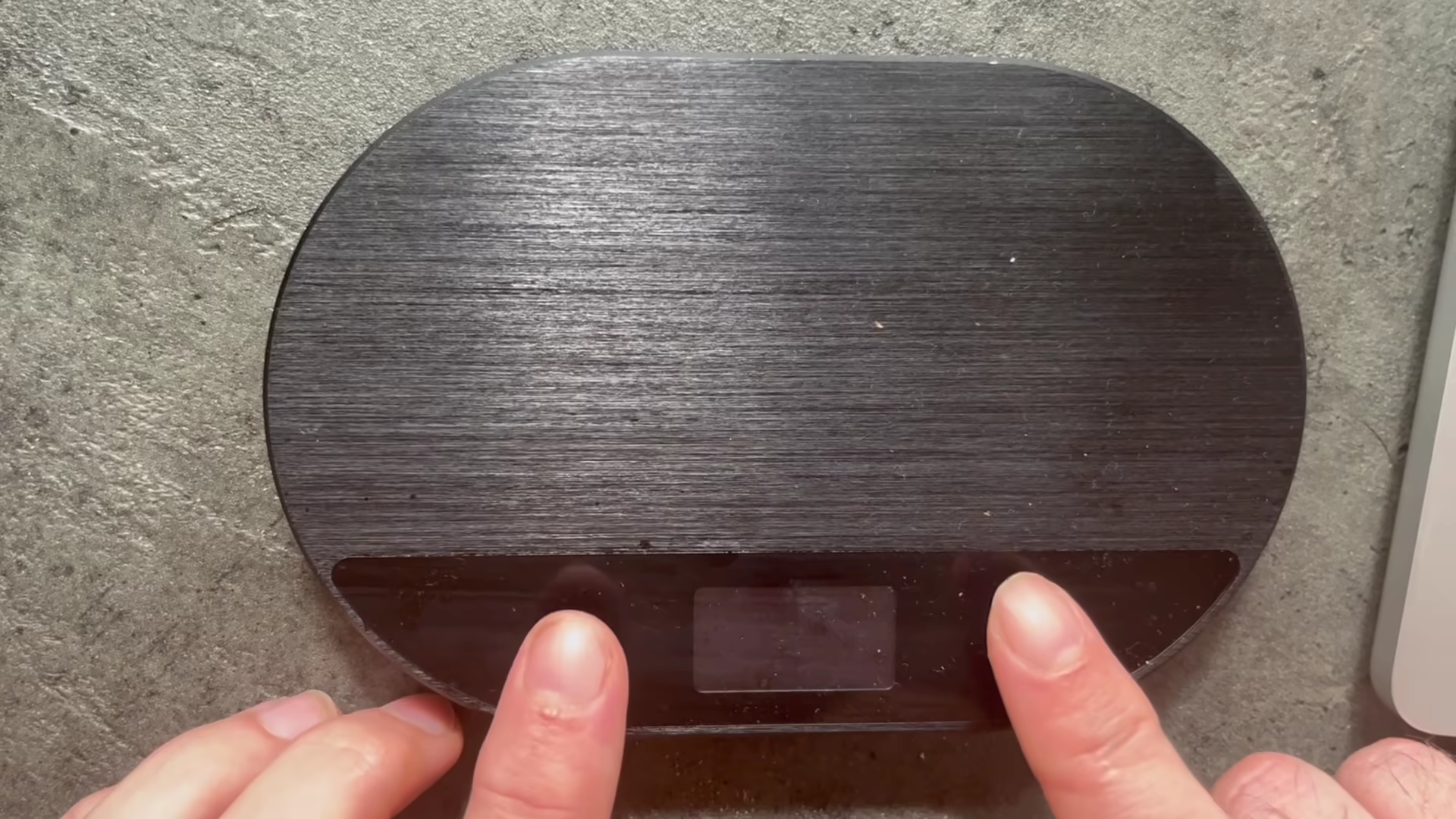
Enter "HDS Setup" mode, by pressing and holding both the O and the [] buttons until "HDS Setup" appears.
Navigate to the "WiFi Settings" menu entry and select it by pressing the [] button
Select the "WiFi On" menu entry. The display will show: "WiFi enabled, restart Scale"
Exit the menu and turn the scale off and on again.
#HDS #WiFi #documentation #howto
